



Meet
Autocapture


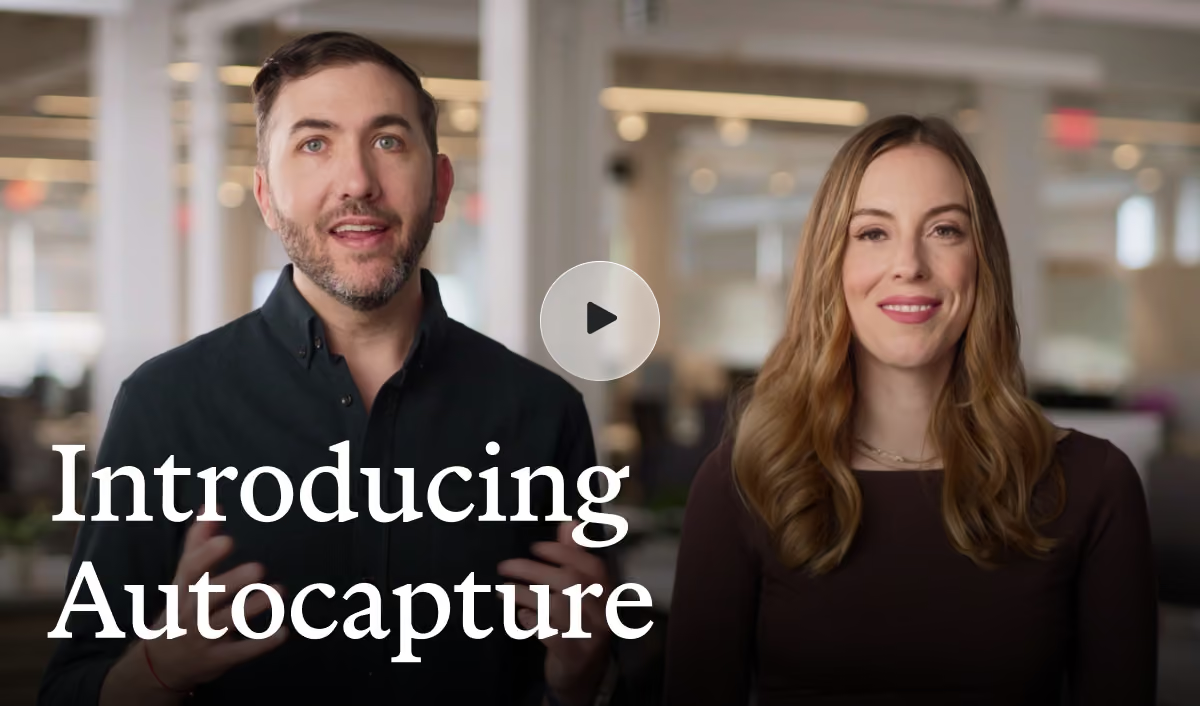
Scribe Autocapture
Capture how work happens without pressing start or stop.
Trusted by 94% of the Fortune 500











New
Autocapture creates your documentation for you.
Capture work as it happens
Autocapture surfaces every workflow your team runs, even the ones no one thought to write down.
Close documentation gaps in one click
See what's missing and turn any discovered activity into a step-by-step guide.
Give your teams and your agents real context
Distill captured workflows into guides for people and agents.
How Autocapture works. Choose the apps, work as usual, decide what to publish.
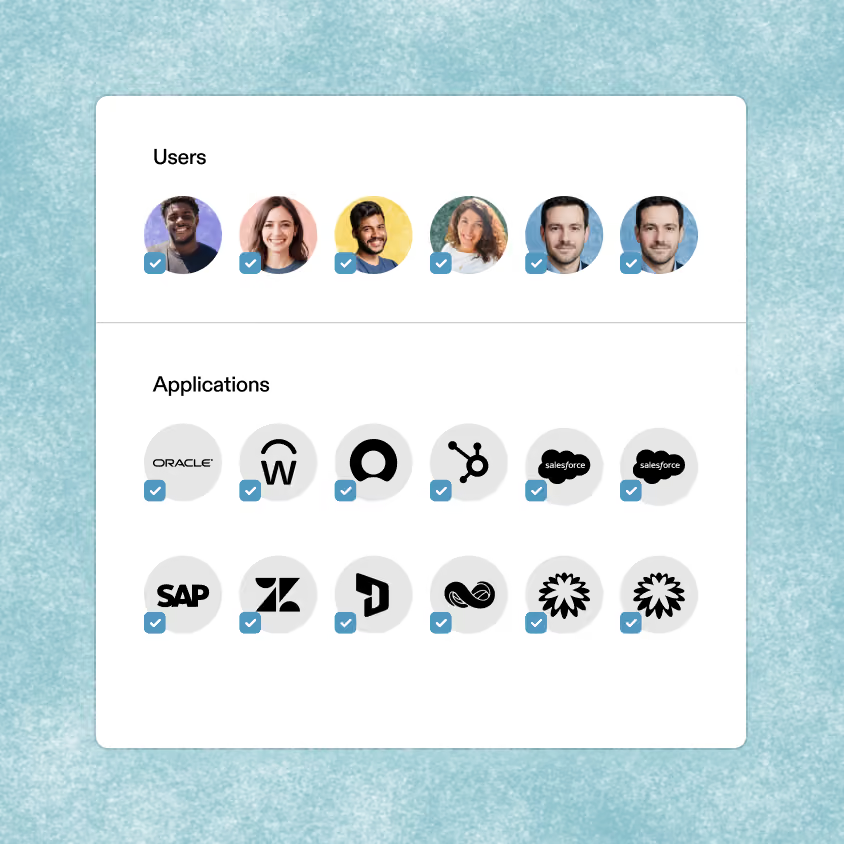
Choose your scope
Admins pick the apps and teammates
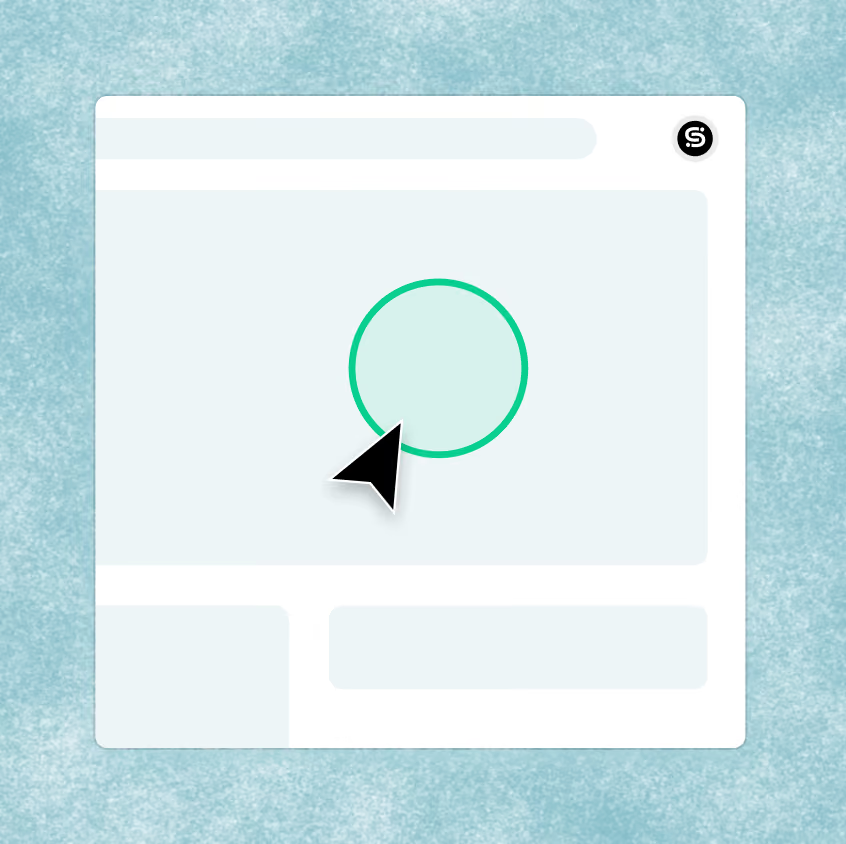
Work as normal
Autocapture surfaces the work as it happens
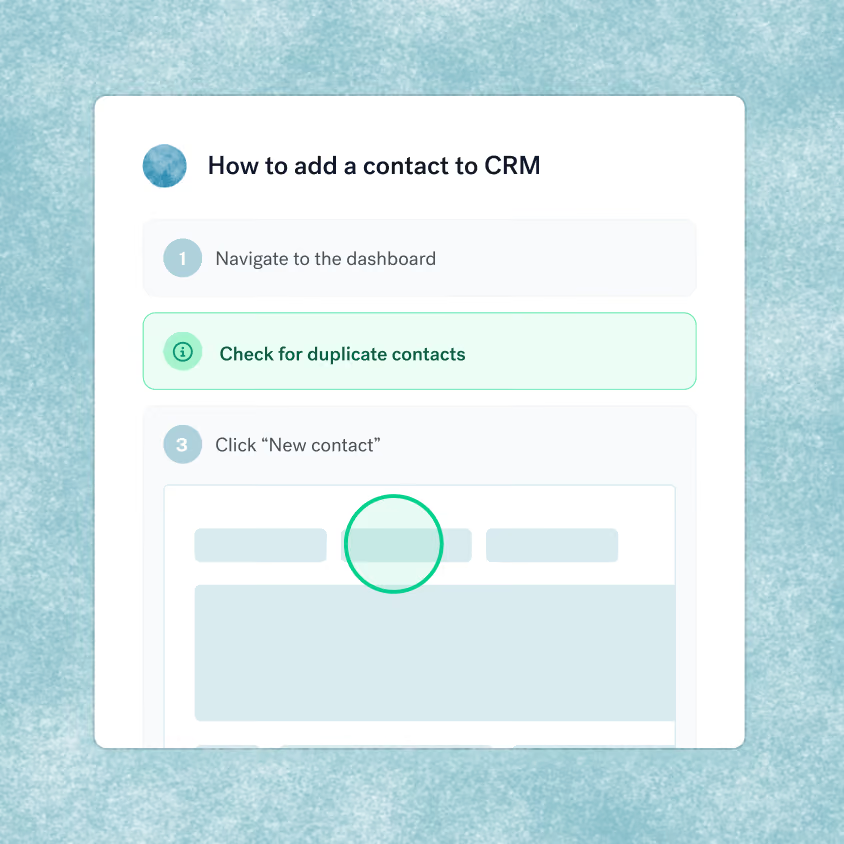
Review, edit, publish
You polish before sharing with your team
Coming soon
Docs that never go stale. When a process changes, you can update your guides with one click.
.avif)
Use cases
Built for the moments that need documentation most.

Train your team
Turn how your best people work into guides everyone can follow.
Learn more

Onboard new hires
Day-one answers without pulling a teammate away from their work.

Roll out new software
Document the new process as your team learns it, not months later.

Power AI agents
Give agents the step-by-step context they need to act reliably.

“Scribe is bridging the knowledge transfer gap in ways I only dreamed were possible.”


“We are using Scribe to capture workflows across teams, creating the context layer behind our operations.”

“AI has a lot of potential, but it needs context. Documentation is the foundation for that — and Scribe helped us finally get that part right.”

Security and compliance, built in
.avif)
Protect sensitive data
Admins set policies once. Scribe enforces redaction, domain controls, and IP whitelisting across your org.

Meet every compliance standard
SOC 2 Type II, HIPAA, FERPA, and GDPR compliant from day one.

Scale with confidence
Roll out across your org with granular workspace controls. Each team sees only what's relevant to them.
Frequently
asked questions
asked questions
Autocapture works within a defined scope. First, your admin chooses which teams and apps to include. Then, Scribe's AI looks for patterns across the work being done within approved apps and only the steps that actually repeat become part of a workflow; a one-off detour never does. Finally, every discovered workflow has to go through human review first, so nothing publishes automatically.
Screenshots, clicks, and text entered by users, only within the apps your admin has approved. No audio or video is recorded, and keystroke detection is automatically muted on secure fields like passwords and payment entry. Admins can also turn on Smart Privacy Screen, which automatically redacts more than 150 categories of PII, PHI, and payment data from every screenshot.
Only recurring work patterns across approved business applications are ever surfaced: a one-off action or personal detour is filtered out automatically, so it never becomes part of a workflow or shows up in a guide. For our enterprise customers, activity is show with a pseudonym instead of a name and admins can turn this off in settings if needed. Every guide goes through human review before it publishes, so nothing goes live without a look first. And every participant has full control to view, review, or delete their own captured activity at any time.
Trusted by 94% of the Fortune 500



.svg)


Ready to try Scribe?


Copyright © 2026 Colony Labs, Inc. dba Scribe. All rights reserved.