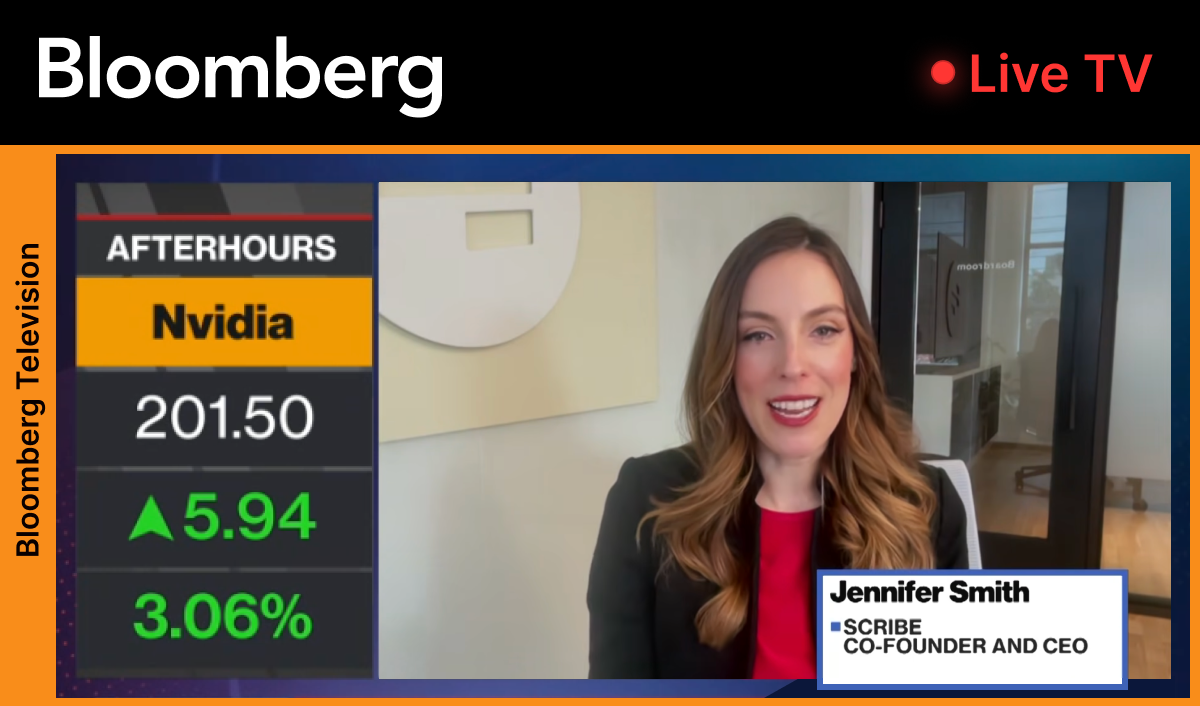
Something big
is coming!


guide me
Guide Me turns any workflow into a live walkthrough on your screen, so you always know what to do next.

Trusted by 94% of the Fortune 500 and 5 million users globally
How it works
Guide Me turns any Scribe into an interactive, on-screen walkthrough — taking people through the process, one step at a time.
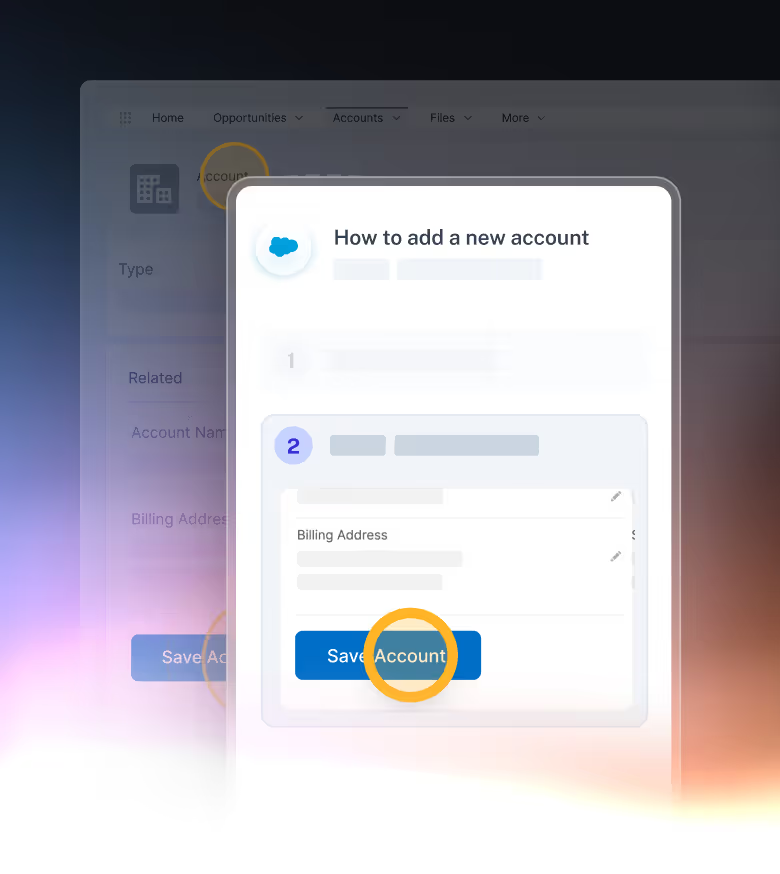
Capture the process
Click start capture and work through a process as usual. Scribe automatically creates a step-by-step guide from what you did. No extra work required.
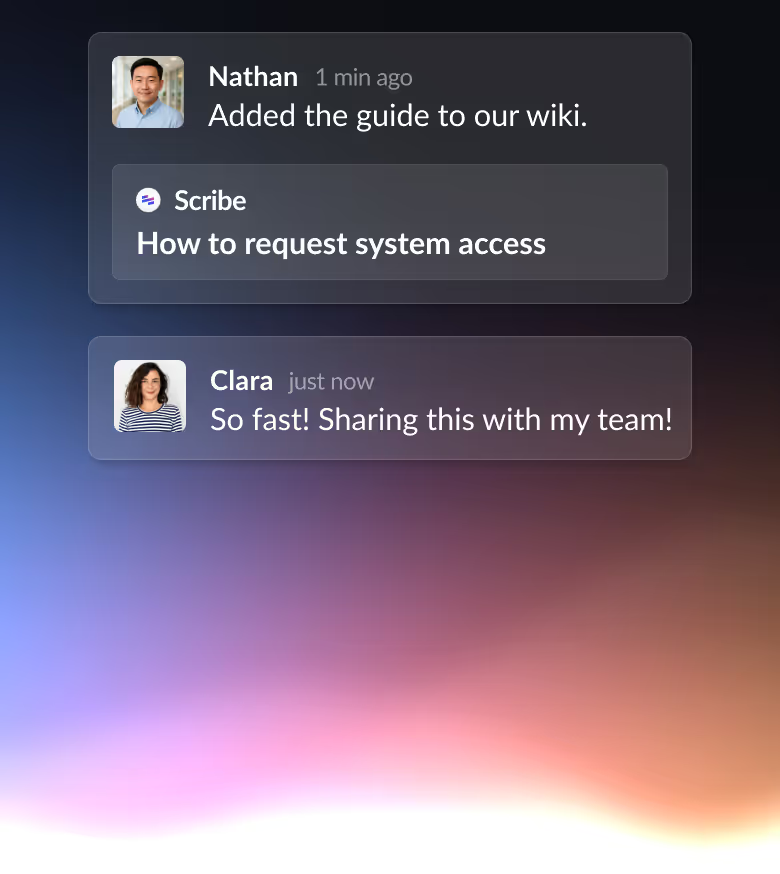
Share the guide with anyone
Share as a link, embed into the tools you already use, or let Scribe recommend relevant guides in the sidebar as you work. Teams and clients can find help the moment they need it.
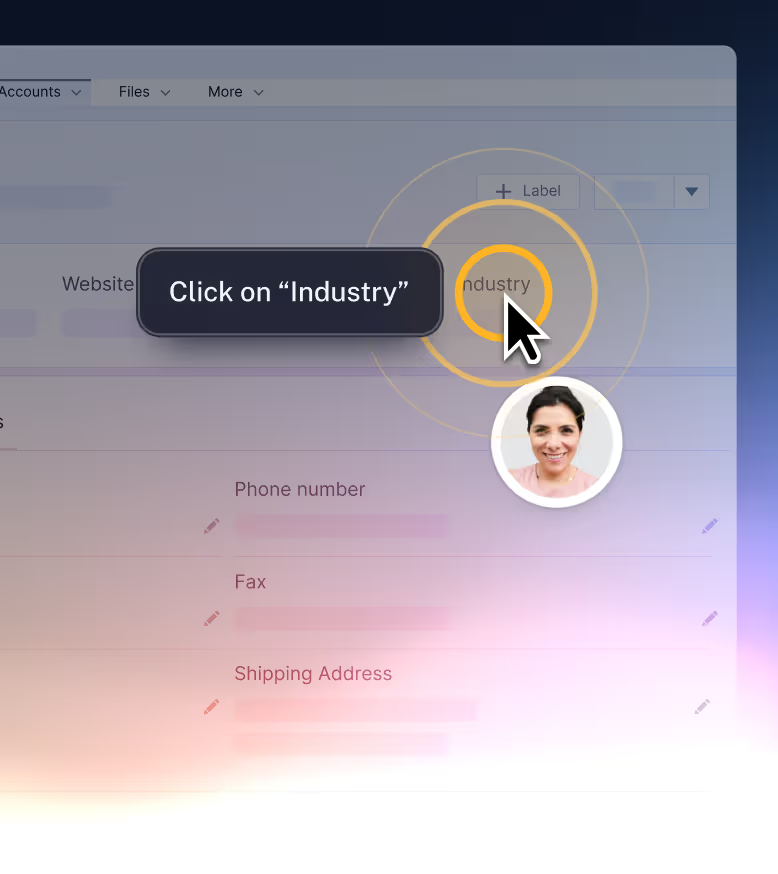
Follow along, live on your screen
Instructions appear on the screen as people work through the process, clearly showing the next action. No context-switching, no guessing what comes next.
the problem
New tools. Changing teams. AI features launched every week. Work is more complex than ever — and nobody has time to stop and learn.
Guide Me puts the training right in the flow of work. Interactive guidance takes people through processes at their own pace.

No more sitting through a long video to find the 2 minutes that matter
No more interrupting the person who knows how
No more switching between instructions and the actual work
No more relying on memory to get it right
the solution
Guide Me delivers instant, in-context help for the moments that slow people down — whether it's unfamiliar software, a changed process, or a task they haven't done in months.
.svg)


Why Guide Me
Scribe Guide Me
Video
Docs
Guidance appears inside the work, as you do it


Help surfaces automatically in the sidebar — no searching needed
Skip straight to the step you actually need

Update the Scribe once, everyone gets the new version immediately
Re-record
Re-write
Anyone can flag a confusing or inaccurate step
Why Guide Me
Onboarding new hires
Give every new starter a live walkthrough for every tool and process they need — so they can get things done independently from the moment they arrive.
Self-serve guidance from day one
Consistent experience for every person, every time
Reduce time-to-productive, not just time-to-trained
reduction in
onboarding time*
Software training
When a new tool lands or a platform updates, Guide Me walks everyone through it inside the actual software — no slides, no video, no follow-up meetings.
Works inside any browser-based or desktop application
No extra installs needed for end users
Scale training across hundreds of people at once
faster at
finding answers*
Process changes
Update the Scribe and the walkthrough is available immediately — no version chaos, no wondering if people got the memo.
Updates available to everyone immediately
People follow the new way from day one of the change
No chasing threads or wondering who saw what
saved per person,
per month*
Compliance & SOPs
Guide Me walks people through compliance-critical processes step by step, inside the actual workflow — reducing the gap between knowing the process and doing it correctly.
Reduce human error in regulated workflows
Consistent execution across every person
Works alongside your existing compliance stack
of teams make fewer mistakes*

Over 5 million users across 600,000 organizations
can't imagine work life without Scribe.




Has saved me so much time!
I can capture processes efficiently. We use it externally for client onboarding flows. A lot of these processes repeat so Scribe prevents me from repeating the instructions to multiple people.

Natalie Rorick
I love this app
My team is not very tech-friendly, so they have difficulties remembering or knowing how to set up various things we do. This has been a timesaver for everyone – I no longer have to repeat myself 100 times!

Jessi Discua
Scribe is essential to my work flow
I get multiple requests of “how do I find?” and “where can I see that?” each week. I can either create a generalized Scribe for multiple users or meet the specific needs of one requester.

Kecia Mcdonald
The instructions are clear, concise, and repeatable
This is my go-to tool to explain my workflow processes to colleagues. The instructions are clear, concise, and repeatable by even my most tech-phobic friends!

Taryn Keller
Life Changing!
I love how you can start recording at any time and Scribe automatically captures and annotates the slides. Scribe has made training and documentation a much more enjoyable experience.

Anna G.
Why repeat yourself dozens of times when you could do the task once
Next to ClickUp this is my most used tool for all of my clients. The simple ability to capture all keystrokes and mouse clicks makes it extremely easy and user friendly to write SOPs.

Breon Bradley
OMG!! Scribe is my best friend in the world.
I LOVE that scribe will capture my browser and do the screen shots for me. It’s simple and quick and I always get the question, “How did you create this?”

DaWanna Wilkins
What a life saver.
I am able to make step by step instructions in a breeze. The ability to see what I am clicking as I am working through the process helps. This has been a game changer.

Stella Reyes
Scribe is a Game Changer!
When I need to explain to my teachers how to complete a task I've been creating a Scribe to walk them through the process. It is such a useful tool.

Elyse Tvorik Hernandez
The easiest possible tool to use
Great features. Intuitive. Simple. The perfect tool for me to enable my customers on how to use our platform. 10/10 would recommend.

Justin Cifelli
Game-Changer for Documentation and Training!
Scribe has revolutionized the way I create and share documentation for my team and clients. The visual clarity and professional look of the guides make it easy for anyone.

Dylan D.
It is a must-have
It has helped us communicate more efficiently with each other on the team, in training, and with our customers. It is one of the most helpful productivity tools.

Nikki Roach
A game-changer for documentation
It's fast, easy to use, easy to integrate, smart and editable. It has already saved me days of time trying to explain in writing what people can't be bothered to read.

Jen G.
Making content consumption seamless
I’ve been using Scribe to create learning content for our various products, and it has been a game-changer for customer engagement.

Miguel Izaguirre
The "Share as a Movie" feature is brilliant
The time savings alone have been nothing short of incredible—I honestly don't know how I managed before this. Creating step-by-step guides in seconds has freed me up to focus on what truly matters.

Adam D.
Has saved me so much time!
I can capture processes efficiently. We use it externally for client onboarding flows. A lot of these processes repeat so Scribe prevents me from repeating the instructions to multiple people.
Natalie Rorick
I love this app
My team is not very tech-friendly, so they have difficulties remembering or knowing how to set up various things we do. This has been a timesaver for everyone – I no longer have to repeat myself 100 times!
Jessi Discua
Scribe is essential to my work flow
I get multiple requests of “how do I find?” and “where can I see that?” each week. I can either create a generalized Scribe for multiple users or meet the specific needs of one requester.
Kecia Mcdonald
The instructions are clear, concise, and repeatable
This is my go-to tool to explain my workflow processes to colleagues. The instructions are clear, concise, and repeatable by even my most tech-phobic friends!
Taryn Keller
Life Changing!
I love how you can start recording at any time and Scribe automatically captures and annotates the slides. Scribe has made training and documentation a much more enjoyable experience.
Anna G.
Why repeat yourself dozens of times when you could do the task once
Next to ClickUp this is my most used tool for all of my clients. The simple ability to capture all keystrokes and mouse clicks makes it extremely easy and user friendly to write SOPs.
Breon Bradley
OMG!! Scribe is my best friend in the world.
I LOVE that scribe will capture my browser and do the screen shots for me. It’s simple and quick and I always get the question, “How did you create this?”
DaWanna Wilkins
What a life saver.
I am able to make step by step instructions in a breeze. The ability to see what I am clicking as I am working through the process helps. This has been a game changer.
Stella Reyes
Scribe is a Game Changer!
When I need to explain to my teachers how to complete a task I've been creating a Scribe to walk them through the process. It is such a useful tool.
Elyse Tvorik Hernandez
The easiest possible tool to use
Great features. Intuitive. Simple. The perfect tool for me to enable my customers on how to use our platform. 10/10 would recommend.
Justin Cifelli
Game-Changer for Documentation and Training!
Scribe has revolutionized the way I create and share documentation for my team and clients. The visual clarity and professional look of the guides make it easy for anyone.
Dylan D.
It is a must-have
It has helped us communicate more efficiently with each other on the team, in training, and with our customers. It is one of the most helpful productivity tools.
Nikki Roach
A game-changer for documentation
It's fast, easy to use, easy to integrate, smart and editable. It has already saved me days of time trying to explain in writing what people can't be bothered to read.
Jen G.
Making content consumption seamless
I’ve been using Scribe to create learning content for our various products, and it has been a game-changer for customer engagement.
Miguel Izaguirre
The "Share as a Movie" feature is brilliant
The time savings alone have been nothing short of incredible—I honestly don't know how I managed before this. Creating step-by-step guides in seconds has freed me up to focus on what truly matters.
Adam D.
Recognized by leading voices







enterprise Ready
Redact sensitive data
Document key processes without worrying about exposing sensitive data.


Ensure enterprise-grade security
Meet your organization’s security requirements with built-in data protection and controls.
Stay compliant
Scribe meets SOC 2 Type II, HIPAA, CCPA, and other rigorous industry standards.