



Meet
Autocapture



AI-Powered Google Flowcharts
Google Flowchart Generator
Craft anything from process documentation to troubleshooting guides. Scribe lets you create Google flowcharts and diagrams with step-by-step guides and annotated screenshots—in seconds!
In this article

Generate Google flowcharts now.
Introducing Scribe: AI for Google Flowcharts
Looking to create Google flowcharts in seconds?
The manual process of creating a Google flowchart is time-consuming and tedious. Instead of creating them yourself, you can use Scribe to generate them automatically. This AI-powered tool can generate complete documents of your workflow with annotated screenshots and text so that you can get back to doing the things you love.
Why is an AI-powered Google flowchart generator like Scribe better than manually creating diagrams?
1. Efficient & easy-to-use:
Scribe offers a user-friendly interface that makes documentation as clear as possible. It auto-generates guides and documents processes as they are. You can assure your flowcharts are of high quality without any human errors or inconsistencies.
2. Emphasis on consistency & standardization
Each of your Google flowcharts must follow a standardized documentation process. This means the title, language, and visuals are written a certain way. Doing this manually can take a lot of time. Each Scribe in the flowchart generator has a standard layout you can customize according to your needs.
3. Collaboration & continuous feedback
Creating an automated Google flowchart is not the end. Scribe encourages feedback and collaboration among team members so the documentation stays relevant and accurate. You can utilize Scribe’s built-in feedback features like version control, making comments, and public access to Scribes to make real-time collaboration easier.
{{banner-short-v2="/banner-ads"}}
Getting started with Scribe’s AI-powered Google Flowchart generator
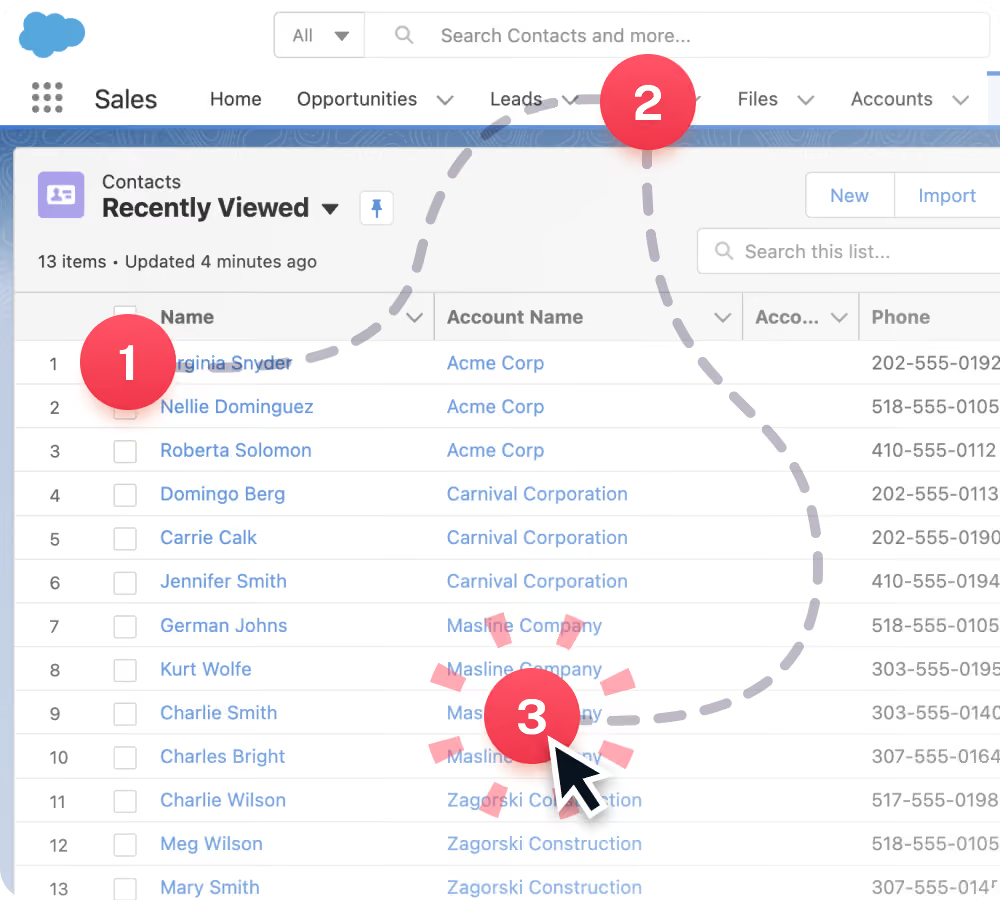
Step 1: Record your process
After installing Scribe, navigate the process for documentation and click the Scribe icon in the Chrome toolbar.
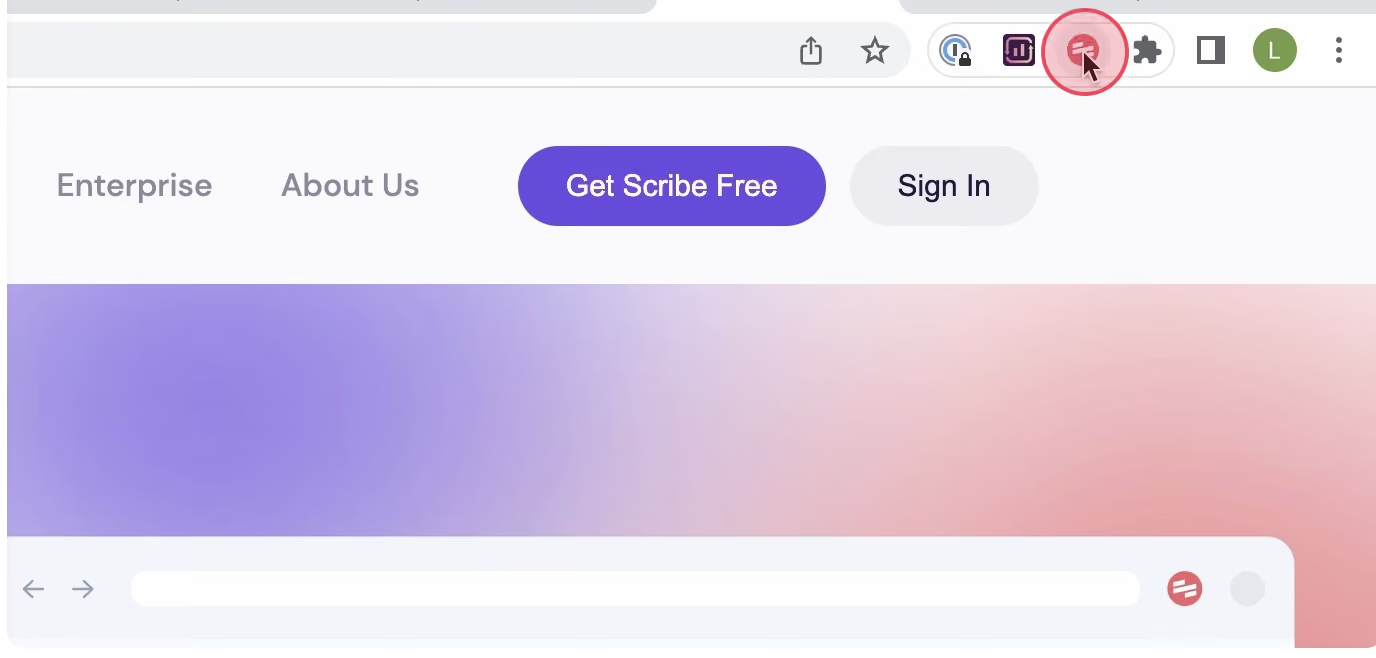
Next, select the 'Record' option to initiate the recording process, during which Scribe will automatically capture screenshots and text while you navigate through the process.
Step 2: Stop Recording
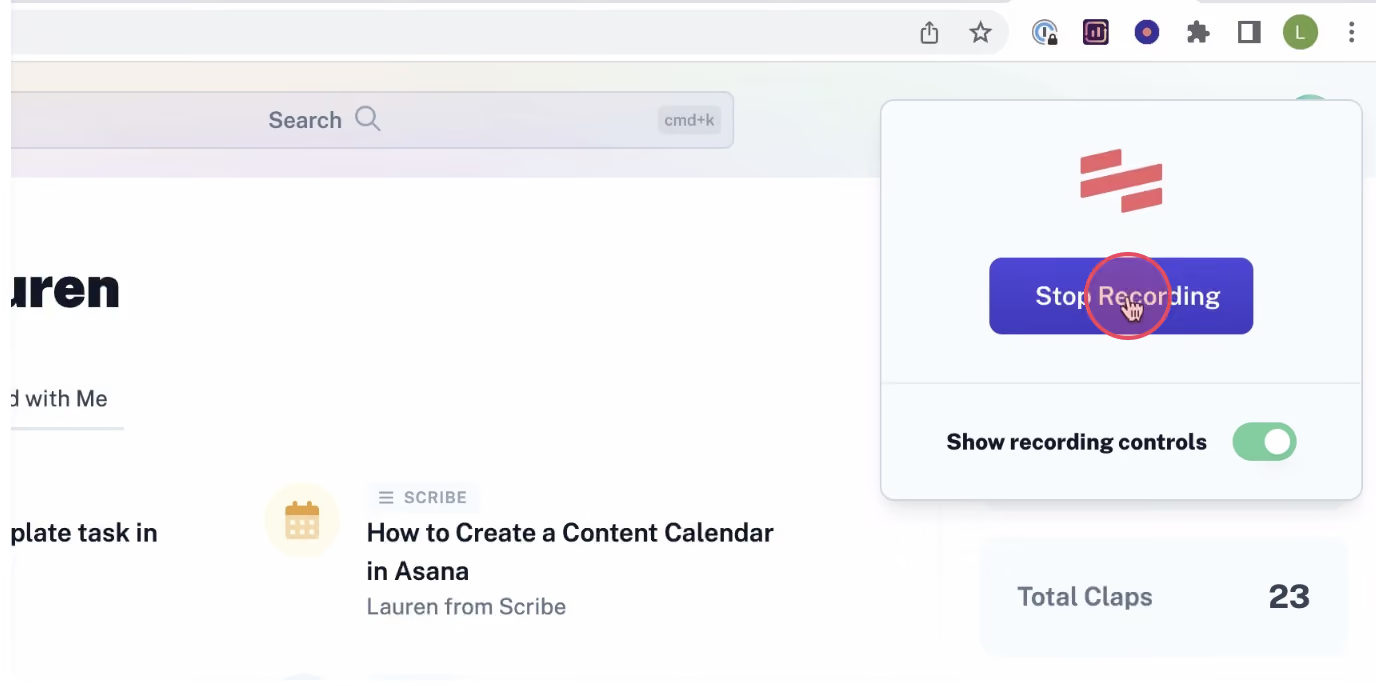
Once you have completed your process, click the 'Stop Recording' button to halt the Scribe recording and automatically generate the corresponding document.
Step 3: Edit & customize
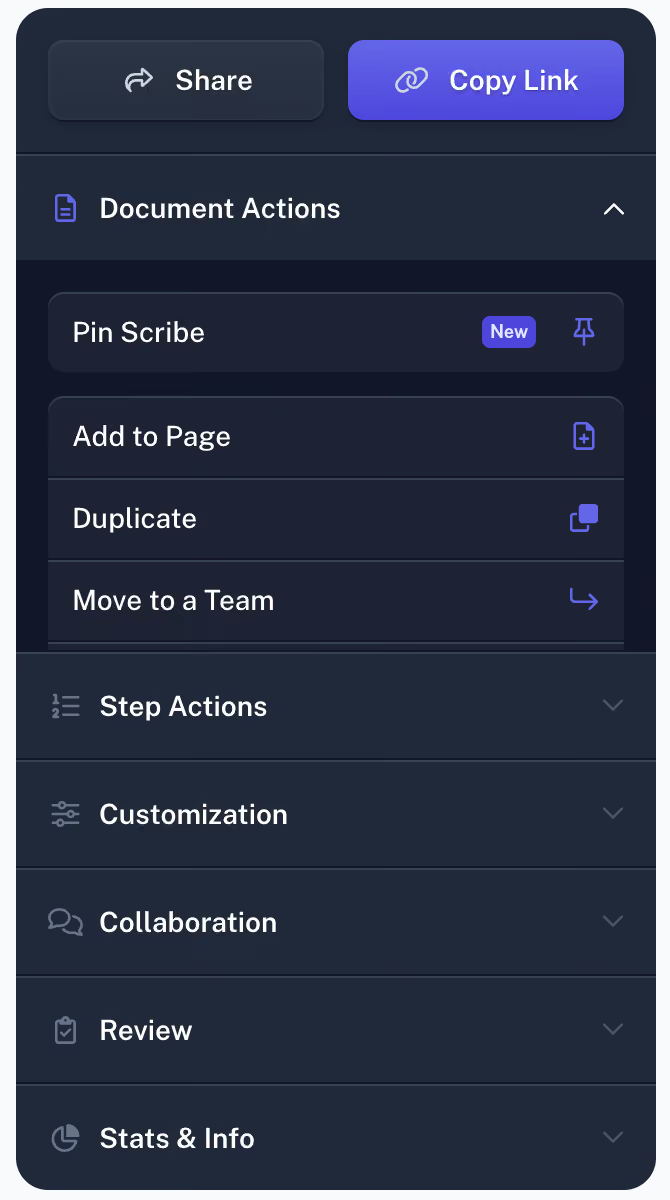
After completing the process, Scribe will generate a step-by-step guide using the captured screenshots and text.
Take a moment to review the guide and verify its accuracy in reflecting the process. Edit the guide to include any additional information or clarify specific steps.
Personalize your guide by incorporating tips, updating steps, and annotating screenshots. Furthermore, using the Pages feature, you can combine multiple guides, incorporating text and video elements.
Step 4: Generate added text

Create a comprehensive manual by consolidating various Scribes. Use Scribe Pages to add videos, images, and other multimedia elements.
Step 4: Share with your team
You have various options for sharing your guide with your team using Scribe. You can add team members to your Scribe workspace, share the guide through a link, or embed it within your documentation. Additionally, you can export your guide to formats such as PDF, HTML, or Markdown. By leveraging Scribe, you can efficiently produce comprehensive process documents that optimize your workflows and enhance your team's productivity.
That's it! With Scribe as your Google flowchart generator, you can quickly and easily create visual documents that will help you streamline your processes and improve your team's productivity.
Generate Google Flowcharts in seconds with Scribe!






Copyright © 2026 Colony Labs, Inc. dba Scribe. All rights reserved.