



Something big
is coming!





Table of Contents


Welcome to Scribe, the advanced Step-by-Step Guide Generator designed to assist you in creating comprehensive and user-friendly guides.
Whether you're creating instructional manuals, onboarding materials, or DIY guides, Scribe is your trusted companion in guide generation.
Let's explore the remarkable features that make Scribe the go-to tool for step-by-step guide creation.
What is a step-by-step guide?
Step-by-step guides are resources for transmitting processes and generating a central knowledge base of operational procedures. These instructions standardize workflows, prevent errors, and organize process information in user-friendly outlines with images and annotations. Guides can also help teams visualize flaws and redundancies in processes that can be optimized.
Common formats include written, interactive, recorded, and visual guides (i.e., flowcharts). Tools like Scribe Capture automatically turn on-screen and browser processes into visually-driven workflow documentation, making it easy for your organization to record its most up-to-date SOPs.
When should you use a step-by-step guide?
Step-by-step guides are excellent for teaching and operational documentation. Common use cases include:
- Employee onboarding: Step-by-step guides provide easy-to-follow instructions with screenshots that new hires can follow when learning processes.
- Training: Guides also provide excellent instructions for teaching existing employees to use new tools or tech, and can support smoother adoptions.
- Product adoption and feature walkthroughs: Step-by-step guides support product adoption by showing users the value of new tools and explaining features in simple instructions.
- Customer support and self-service help: Support teams can use guides to walk end-users through complex processes and resolve their issues or questions quickly.
- Internal processes and SOPs: Step-by-step guides serve as a central knowledge base for everyone on the team, and business leaders can leverage this documentation when making decisions (for example, on process improvements or automations) and when spearheading implementations.
What makes an effective step-by-step guide?
Step-by-step guides must drive clarity above all. Here's how.
- Use logical sequences: Include all steps in sequential order. Instead of focusing on high-level tasks, hone in on the details.
- Describe only one action per step: Each step should only contain one action for the user to perform, like, "Enter the lead's name into the field at the top of the card."
- Include visual support where helpful: Include screenshots with annotations (like arrows) that help users visualize each step and understand where to click or enter information.
- Write in plain, concise language: Use the simplest terms possible, while being careful to include a thorough description of the action. Remember that the reader may have no experience with the tool or process, and what might seem like a redundant detail to you is crucial for their understanding.
- Use consistent formatting: When you use consistent documentation formats across your organization, users grow accustomed to the structure and know to read future guides correctly and where to find the information they need in existing ones. Leverage templates to maintain the same structures across all guides. Or use the same process documentation tool every time.
- Update regularly: Modify process documentation to mirror changing workflows, and share new versions with your staff immediately to prevent them from committing errors in new processes or reverting to obsolete ways of working.
Getting started with Scribe’s step-by-step guide generator

Step 1: Record your process
Install Scribe and open the process or task you want to create a guide for. Launch Scribe and click on the record button to begin capturing your actions and screenshots.
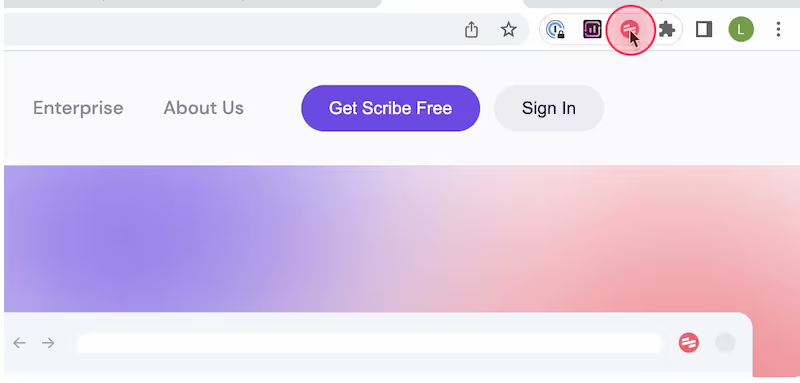
Then, click "Start Capture". This will start the recording process, and Scribe will automatically capture screenshots and text as you navigate through the process.
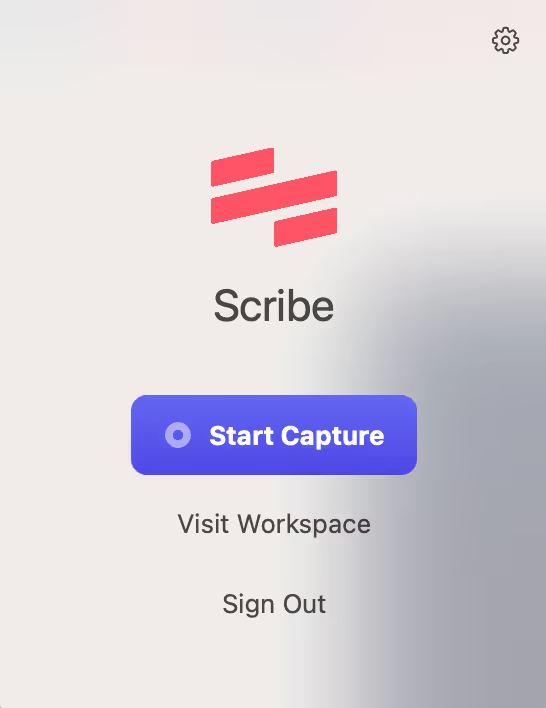
Step 2: Stop capture
Once you have completed the process, click the "Stop Capture" button on the extension. Scribe will automatically generate a step-by-step guide based on the captured screenshots and actions.
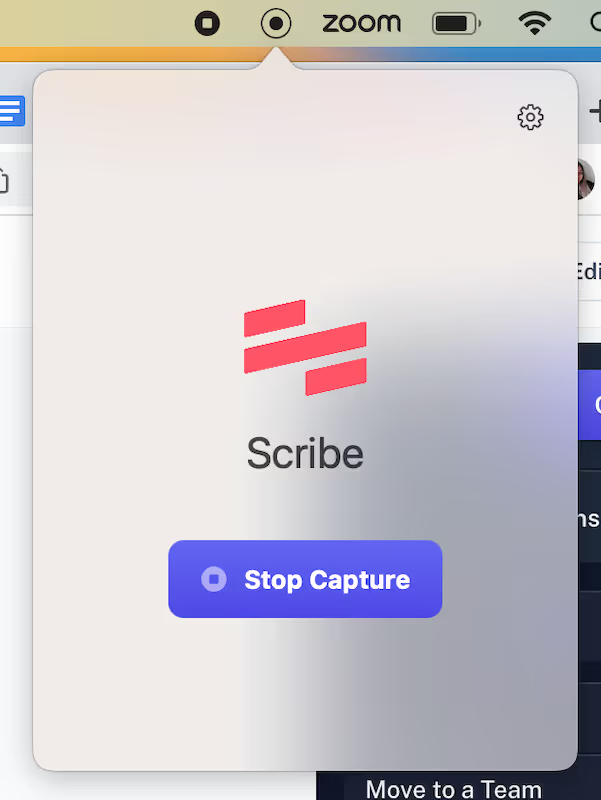
Step 3: Collaborate & enhance
Share the guide with your team or subject matter experts for feedback and suggestions. Gather insights and refine the guide based on the feedback received, ensuring its accuracy and effectiveness.
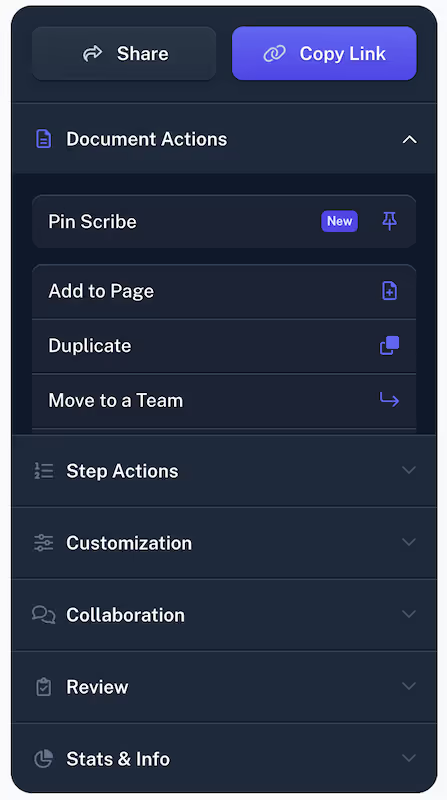
Step 4: Publish & share
Finalize the guide by reviewing and approving the content. Publish and distribute the guide to your intended audience. Share it through various channels, such as online platforms, documentation systems, or printed materials.

With Scribe as your Step-by-Step Guide Generator, you can create comprehensive and user-friendly guides effortlessly.
Learn more about what you can do with Scribe:
- Free Manual Creator
- Desktop Capture
- Free Documentation Generator
- Free Screenshot Generator
- Free Quick Reference Guide Generator
- Free Work Instructions Generator
- Free Job Aid Generator
- Free ChatGPT SOP Generator
- Free Training Manual Generator
Looking for free templates to get you started? We've got you covered!
- 15+ Step-by-Step Guide Templates You Can Use for Free!
- Try this free, customizable Step-by-Step Guide Template
- What is a How-To Guide? Create a How-to Guide in 6 Steps [Examples + Template]
- 100+ Free SOP Templates: How to Write Standard Operating Procedures
Or check out these related resources that we think you'll love!
- How to Document Processes with AI — and Boost Your Productivity!
- Top 17 Google Chrome Screenshot Extensions in 2024.
- How to write, share and store step-by-step procedures
Simplify the guide creation process, enhance clarity, and provide valuable instructions with Scribe's powerful Step-by-Step Guide Generator. Let Scribe revolutionize your step-by-step guide generation today!



