



Meet
Autocapture



March 17, 2026
Seamless SOP Systems: Building a Unified Knowledge Base with a Scribe Pro!
In this article

Instantly capture and optimize workflows so your team works smarter and faster.
For most product designers, the goal is to create an interface so intuitive it speaks for itself. But what happens when your company decides to rebuild its entire technology stack (accounting, Salesforce, and internal architecture) all at the same time?
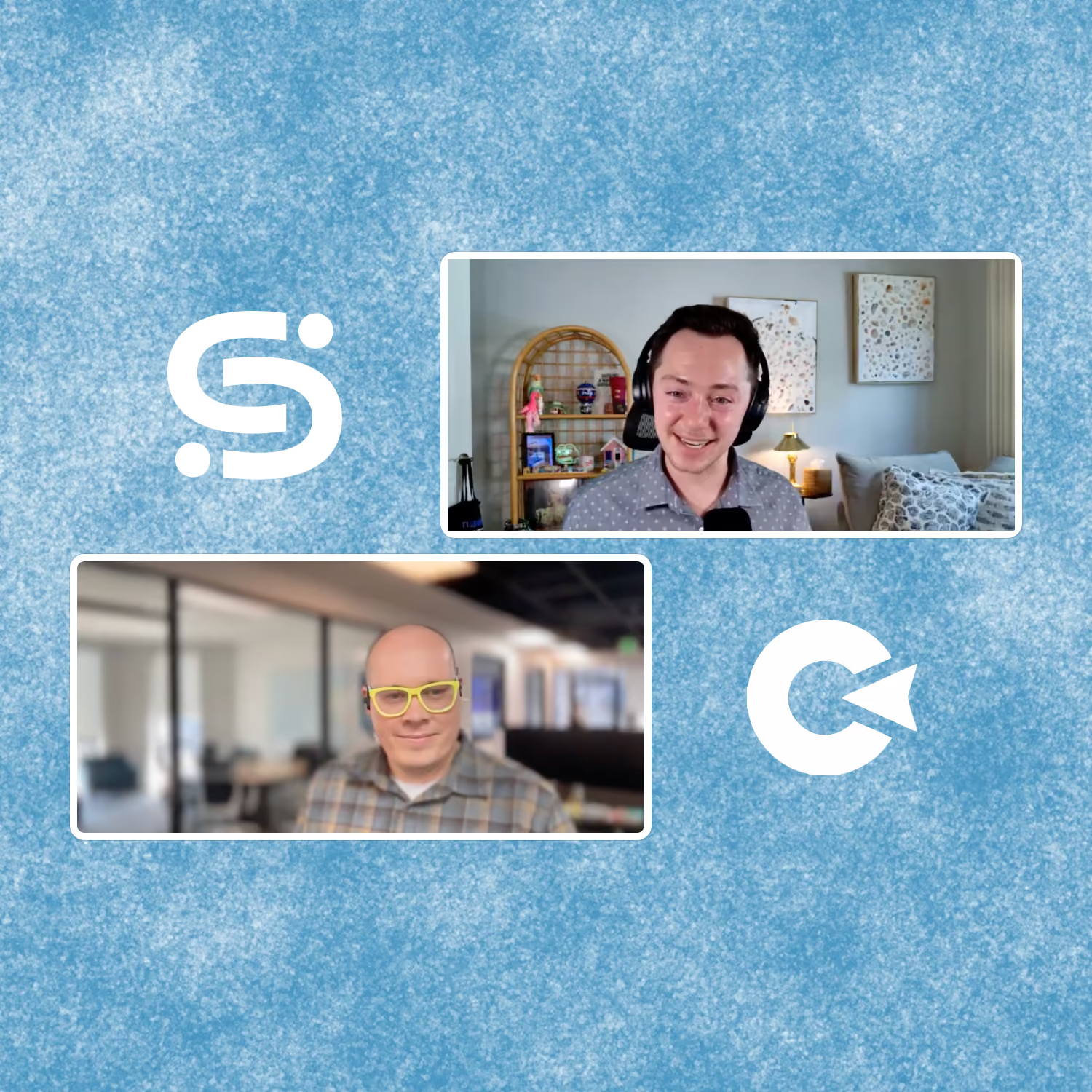
In our latest webinar, Aaron Ellis, Director of Product Design at Clicklease, joined Scribe’s Nico Carmosino to discuss how he navigated a documentation explosion that quadrupled his team's needs overnight.
Here is how Aaron uses Scribe to turn daunting, cross-system workflows into scalable, designer-approved guides.
The Challenge: When Documentation Needs Quadruple
Three years ago, Clicklease underwent a total technology overhaul. While the external user experience was Aaron's primary focus, the internal transition was the real hurdle. Every department suddenly had brand-new processes and a complex architecture to learn.
The problem? Most internal team members aren't in these tools every day. They don't have the muscle memory of a power user, meaning they need clear, step-by-step guidance to avoid breaking the system.
Aaron needed a way to document these processes without spending his entire day taking manual screenshots and typing out Word docs, so he turned to Scribe!
Capturing the "Cross-System" Chaos
In the webinar, Aaron demonstrated one of the most common pain points for his team: moving assets from design tools into Salesforce. This workflow requires jumping between Figma, a specialized email creation plugin, and Salesforce's legacy HTML editor.
Using the Scribe Desktop Recorder, Aaron showed how he can capture this entire journey across multiple screens and applications:
- Figma to Marka: He records the process of exporting a design and copying the preheader text.
- Automatic Transcription: Aaron uses the Voice Transcription feature in Scribe to narrate specific steps, which Scribe then turns into the step text, greatly reducing his editing time.
- The Salesforce "Clean Up": He records the nuanced steps of removing leading HTML and other elements in Salesforce, that might get missed by other team members.

By simply doing the task once, Aaron creates a perfect tutorial. As he puts it:
"I don't need to manage that and write the step down... I just do what I normally would do and Scribe captures that.”
Eliminating the "Telephone Game" of Training
One of the biggest risks in a fast-growing company is the "telephone game" of training. When one person trains another, their personal interpretation of the process often replaces the optimized path.
Aaron uses Scribe to enforce an administrative standard. Instead of hopping on a five-minute call every time a new hire has a question, he shares a live Scribe link. This ensures:
- Consistency: Users follow the exact path the designer intended.
- Safety: Users are guided away from clicking until it works, which can lead to broken data or system errors.
- Efficiency: Aaron avoids repeating the same intro walkthrough dozens of times as the team scales.
The "Tool Junkie" Play: Scribe + AI Chatbots
As a self-described "tool junkie," Aaron has taken Scribe’s flexibility to the next level by using it as a data source for AI.
At Clicklease, Aaron integrates Scribe Pages with a chatbot tool called Chatbase. By having the chatbot crawl his Scribe links, his team can ask the bot questions like, "How do I add a salesperson to a location?"
The chatbot then scrapes the Scribe Page and provides the direct tutorial link to the user.

This creates a truly self-service environment where documentation is available exactly where the work is happening.
💡Scribe Pro Tip: Use Scribe’s Enterprise Search API! Employees can surface trusted Scribe guides from tools like AI chat bots, custom AI assistants, Copilots and GPTs, or Slack bots.
Pro-Level Maintenance: Keeping Guides Dynamic
Aaron highlighted that the real value of Scribe isn't just in the creation, it's in the maintenance. Software changes constantly, and manual guides are usually out of date the moment they are saved.
With Scribe, Aaron utilizes:
- Dynamic Updates: Because he shares live links or embeds, any change he makes to a Scribe is instantly updated everywhere the link exists.
- Capture Injection: If a single step in a workflow changes, Aaron simply hits "capture again" at that specific spot to record the new UI, rather than re-recording the whole process.
- Version History: If a change is made by mistake, he can roll back to a previous version to maintain the audit trail.
Organizing for the Whole Organization
To keep things clean, Aaron recommends using Scribe Pages to collect multiple SOPs into one cohesive guide. For a company like Clicklease, this allows them to organize documentation by department (Operations, Sales, and Product) ensuring that users aren't overwhelmed by irrelevant guides.
Whether you are using the Smart Privacy features to redact sensitive client data or using Guide Me to provide an on-screen overlay for your team, Scribe ensures that your documentation is as polished as your product.
Looking to get started with Scribe? Try it for free today and build up your library of step-by-step guides in the time it takes you to do the task itself!
Catch the full session below.

Ready to try Scribe?


Copyright © 2026 Colony Labs, Inc. dba Scribe. All rights reserved.